> For the complete documentation index, see [llms.txt](https://docs.fermat.app/llms.txt). Markdown versions of documentation pages are available by appending `.md` to page URLs; this page is available as [Markdown](https://docs.fermat.app/ai-tool-catalogue/apparel-and-accessories/upscaler-and-enhancer.md).
# Upscaler & enhancer
Upscale and improve the resolution and quality of your designs.
## Introduction
Presenting your work with the finest detail is essential, whether collaborating with your team or showcasing it to clients. With Fermat, you can **visualize and download your designs in high-resolution**, ensuring every intricate detail is presented with clarity and precision. In this guide, we will take you step-by-step through the process of upscaling and enhancing your designs.
## Step by step guide
To export your designs in up to 4K resolution or to enhance them, follow these steps:
### High-resolution & Enhance
{% stepper %}
{% step %}
### Open the AI tool
1. Go to [Fermat.app](https://fermat.app/) and log into your account.
2. Open: '[Upscaler & enhancer](https://toolmaker.fermat.app/tool/magic-enhancer-0e150203-3ddb-4593-8725-fe43703934e6)' tool.
{% endstep %}
{% step %}
### Select a page
Inside the tool, there are two pages:
1. The first page allows you to increase the **resolution** or size of the image while preserving as much detail as possible.
2. The second page allows you to improve the **quality** & **resolution** of the image, include sharpening, adjusting colors, removing noise, improving contrast, or restoring details.
{% endstep %}
{% step %}
### Adjust the scale
Adjust the scale x2, x4 or x6. You can alternatively, set the width in centimeters.
{% endstep %}
{% step %}
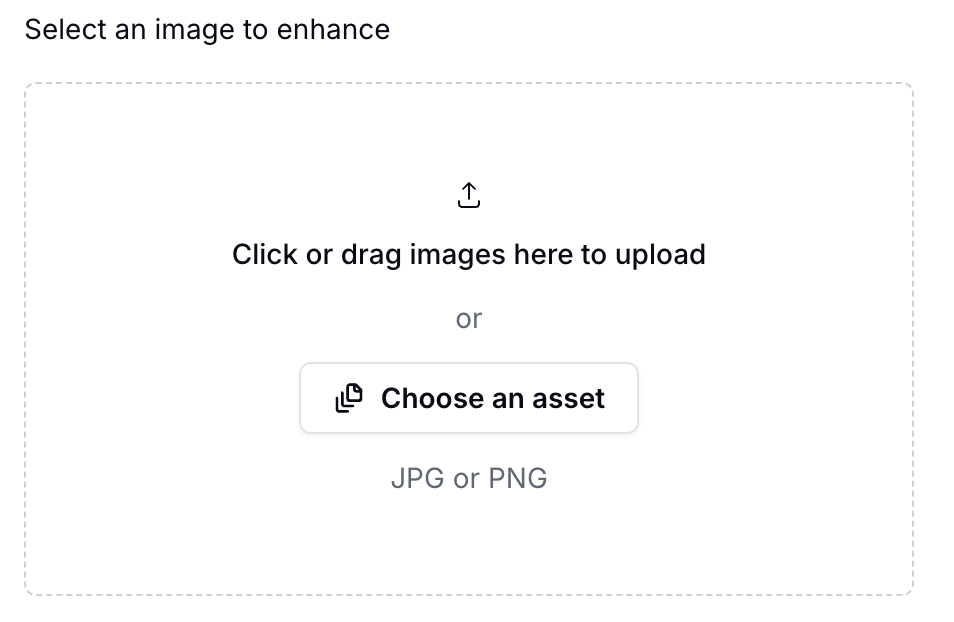
### Choose your image
Upload the image that you want to upscale
{% hint style="success" %}
Supported formats: JPEG, PNG, and WEBP
{% endhint %}
Upload an image
{% endstep %}
{% step %}
### Generate image
Click the '*Generate*' button and let the AI process your inputs. Within seconds, your image will be upscaled and enhanced.
{% hint style="warning" %}
Review the output and, if necessary, **modify the image parameters** to improve the results.
{% endhint %}
Generate image button
{% endstep %}
{% endstepper %}
{% embed url="" %}
Watch this video to learn how upscale & enhance your images.
{% endembed %}
(new tutorial?)