> For the complete documentation index, see [llms.txt](https://docs.fermat.app/llms.txt). Markdown versions of documentation pages are available by appending `.md` to page URLs; this page is available as [Markdown](https://docs.fermat.app/ai-tool-catalogue/apparel-and-accessories/visualize-sketches.md).
# Visualize sketches
Turns a hand-drawn or digital sketches into a realistic render
## Introduction
Creating professional-quality renders from your sketches has never been easier. Whether you’re a designer looking to bring your ideas to life or someone exploring creative possibilities, Fermat streamlines the rendering process for garments, accessories, and colorful designs. This guide will walk you through the steps to transform your sketches into high-fidelity renders.
## Step by step guide
To visualize your sketch as a render, follow these steps:
{% stepper %}
{% step %}
### Prepare your sketch
Ensure your sketch is **clean** and **clear**. Avoid different views and annotations. If you're working with hand-drawn sketches, scan them in high resolution to retain details.
Yes 👍
No 👎
{% endstep %}
{% step %}
### Open the AI tool
1. Go to [Fermat.app](https://fermat.app/) and log into your account.
2. Open:
* '[Visualize apparel sketches](https://toolmaker.fermat.app/tool/visualize-your-sketches-apparel-ac8fa96f-1c41-4ef4-bacb-98ad60496c3e)' tool if you want to visualize a garment.
* '[Visualize accessory sketches](https://toolmaker.fermat.app/tool/visualize-your-sketches-56eae83f-ba15-42d0-a0ce-0c5d265e1040)' tool if you want to visualize an accessory.
{% endstep %}
{% step %}
### Describe your design
Add a brief description of your design. Be as specific as possible about elements like:
* Fabric type (e.g., silk, denim, leather)
* Colors and patterns
* Accessories or additional details (e.g., buttons, zippers)
{% hint style="info" %}
Example: Turtleneck sweater, ribbed texture, long sleeves, slim fit, high collar, vertical stripes, soft knit fabric, front view, seamless design, product photography, neutral light grey color, clean white background, high resolution, detailed textile texture.
{% endhint %}
{% hint style="info" %}
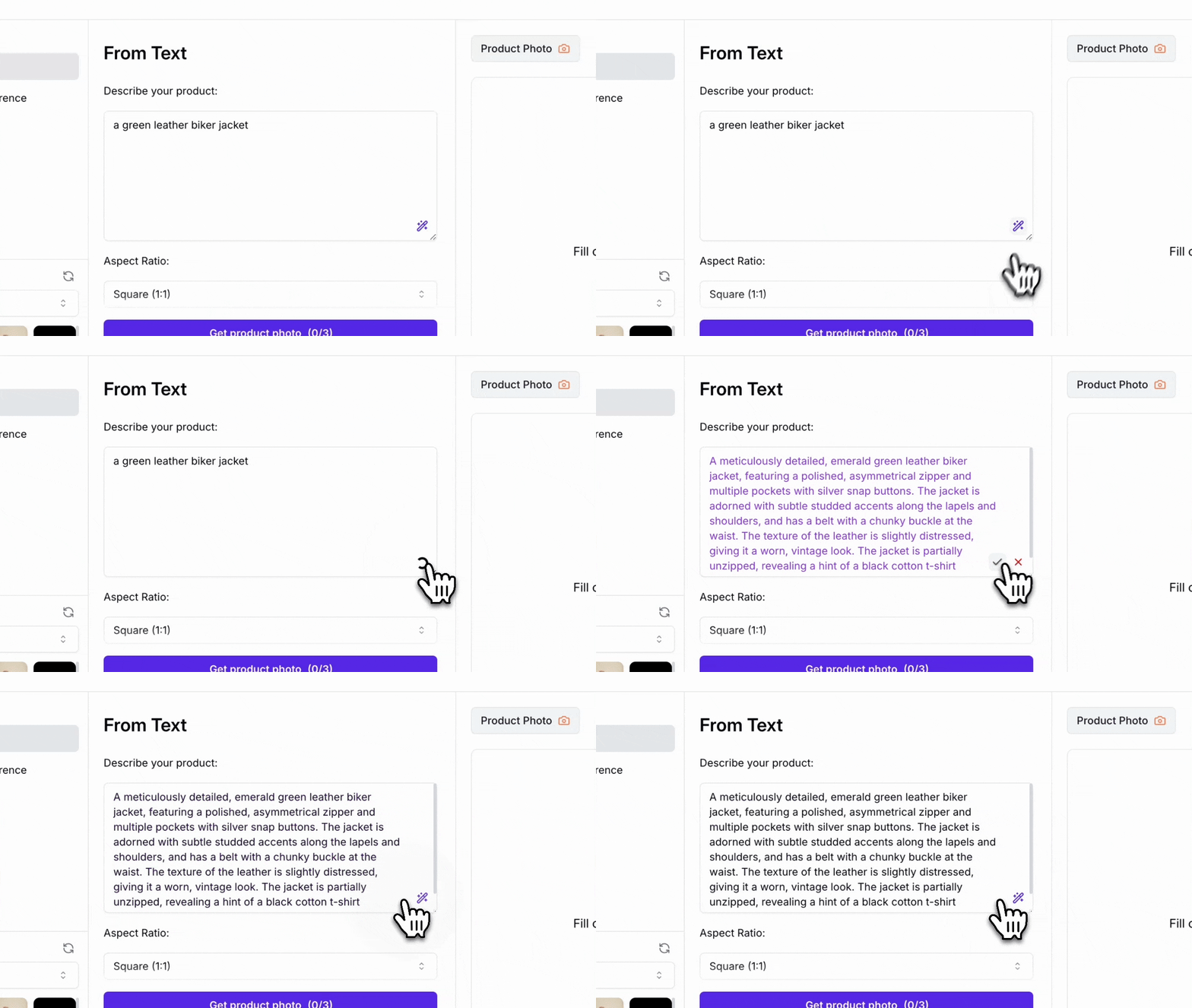
Optionally, you can click the blue magic wand button to refine your description. Alternatively, upload a reference image and press the same button to analyze it and generate an accurate description based on the attached image.
{% endhint %}
Magic wand command refine your description
{% endstep %}
{% step %}
### Upload your sketch
Click on the upload area and select the sketch that you would like to turn into a render.
{% hint style="warning" %}
The sketch should not include a model wearing the garment.
{% endhint %}
{% hint style="success" %}
Supported formats: JPEG, PNG, and WEBP
{% endhint %}
{% endstep %}
{% step %}
### Ajust shape preservation from your sketch
Define how much the AI model should follow your digital sketch reference. This means:
* A lower value gives the AI **more creative freedom**, meaning it may deviate from your design and introduce new elements.
* A higher value ensures that the AI **keep every detail** of your sketch.
{% endstep %}
{% step %}
### Generate image
Click on the *'Generate Render'* button and let the AI process your inputs. In a few seconds, you will have a high-fidelity render of your design.
{% hint style="warning" %}
Review the output and, if necessary, **change the provided sketch and modify visualization parameters** for better results.
{% endhint %}
Generate render button
{% endstep %}
{% endstepper %}
{% embed url="" %}
Watch this video to learn how to upload a design sketch and description for a high-fidelity AI render.
{% endembed %}
### (Optional) Negative prompt
You can also specify words or concepts you want the AI to avoid. For example, you can indicate that the garment should not be made of denim
### (Optional) Choose a reference image
Your high-fidelity render can optionally follow the aesthetic of a reference image.
### (Optional) Specify HEX
The AI can follow a specific HEX color value and apply it to the high-fidelity render.
## Examples
### Visualize garments
Create high-quality renders of your designs; from dresses and jackets to shirts and beyond.
Visualize garments
### Visualize accessories
Effortlessly visualize stunning accessory designs, including jewelry, shoes, bags, and more.

.jpeg?alt=media&token=15fe2523-245a-4343-9661-fc5efaa44752)